Installing the RackLink Device Discovery Tool Software on a Windows PC
Use the following steps to download and install the Device Discovery Tool software on a PC.
-
If you haven’t done so already, download the Device Discovery Tool software installer onto your computer from the Power Downloads page at: https://www.legrandav.com/resources/power-downloads.
-
Run the Windows MSIX file.
The Device Discovery installer appears.
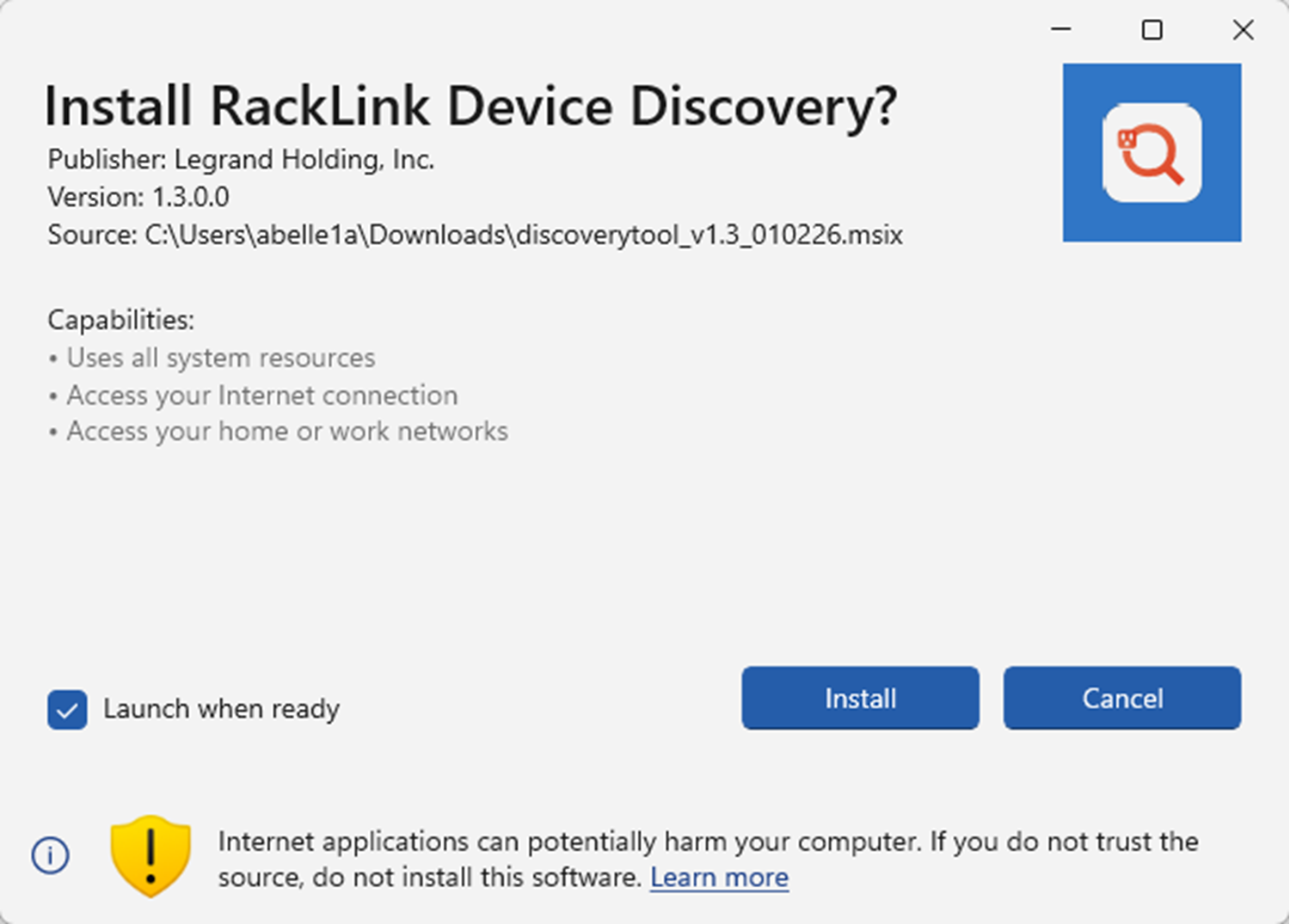
(Click or tap to expand image.)
-
Select the Launch when ready check box.
-
Click Install.
After the application is installed on your system, the Device Discovery Tool launches and automatically discovers all RackLink devices on the subnet to which you are connected.
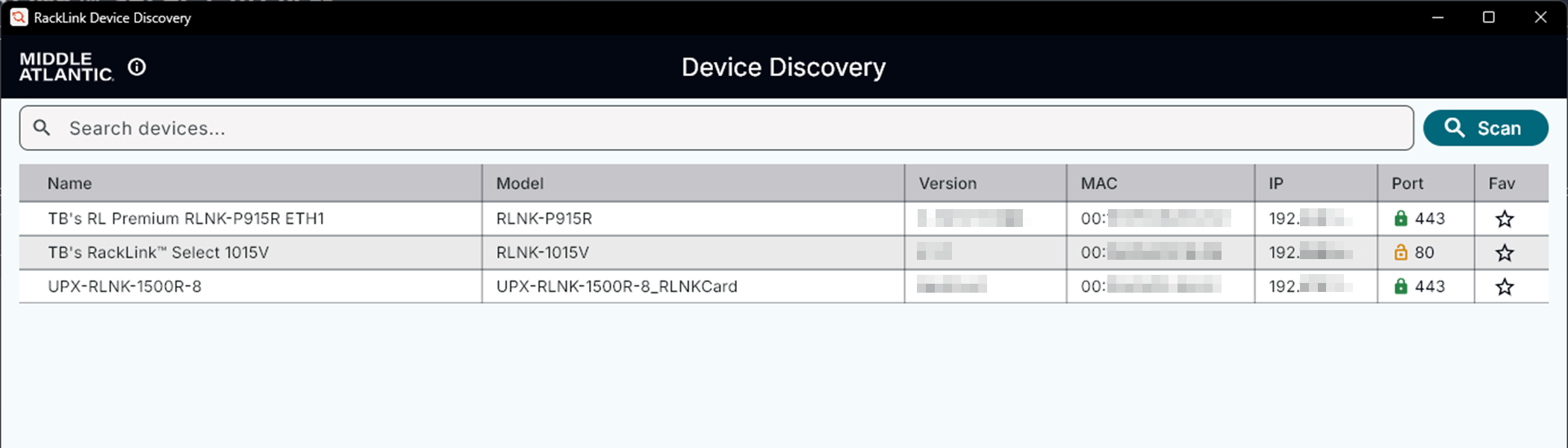
(Click or tap to expand image.)
For more information, see Downloading and Using the RackLink Device Discovery Tool.
Related Topics