Installing the RackLink Device Discovery Tool Software on Linux
Use the following steps to download and install the Device Discovery Tool software on Linux®.
-
If you haven’t done so already, download the Device Discovery Tool software installer onto your computer from the Power Downloads page at: https://www.legrandav.com/resources/power-downloads.
-
Open a command prompt and type cd Downloads/ (or wherever you downloaded the installer on your system) and press enter.
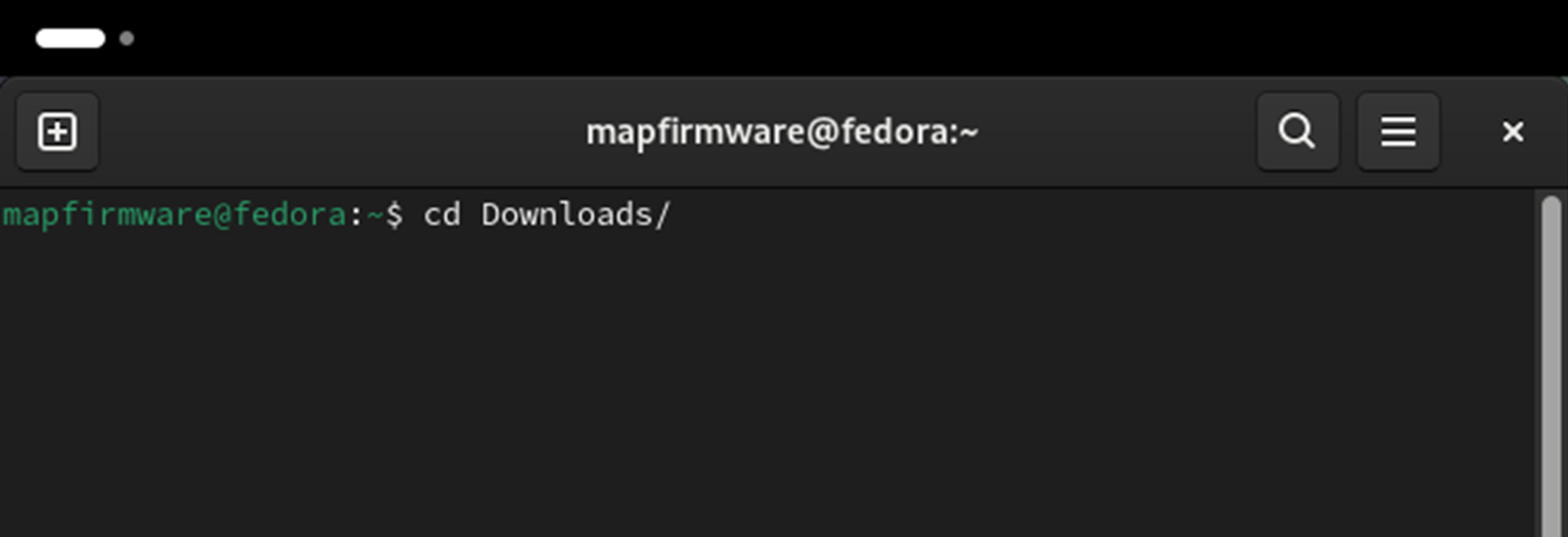
(Click or tap to expand image.)
-
Type ./discoverytool.AppImage and press enter to launch the installer.
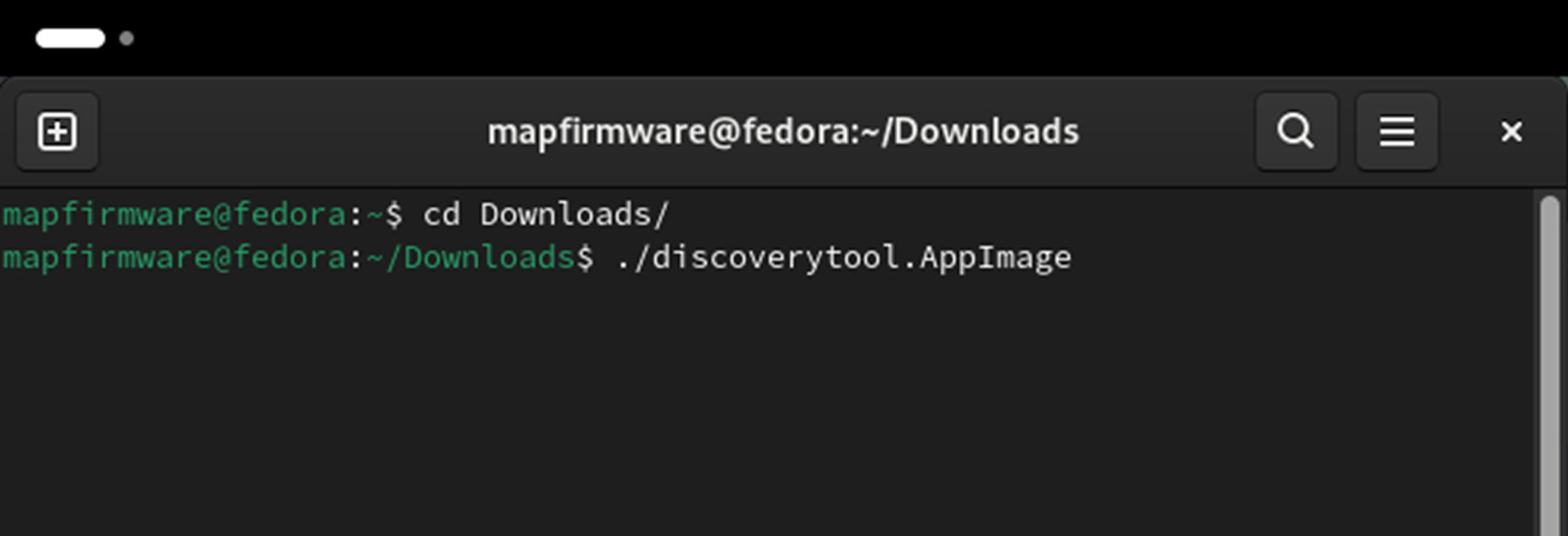
(Click or tap to expand image.)
-
The main screen of the Discovery Tool appears.
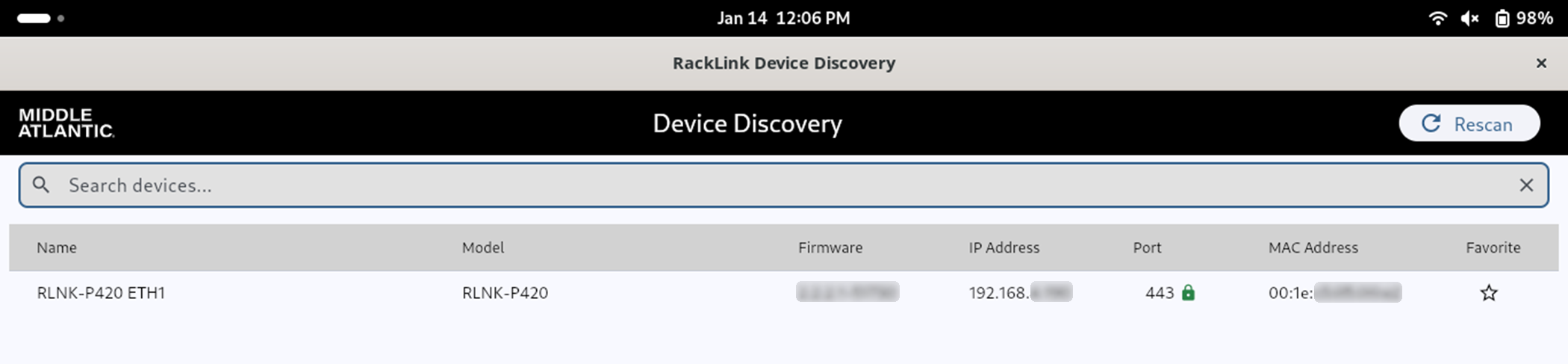
(Click or tap to expand image.)
For more information, see Downloading and Using the RackLink Device Discovery Tool.
Related Topics